Seating plans for every event
A seat for every guest.
Add guests, arrange tables and seats, then share a link so everyone can find their place.
Free to use. Your first plan takes minutes.
- Weddings
- Galas
- Birthdays
- Company dinners
- Conferences
- Charity balls
- Graduations
- Anniversaries
- Award nights
How it works
From the first name to the finished room.
Three steps connect your guest list, the tables and the room your guests walk into.
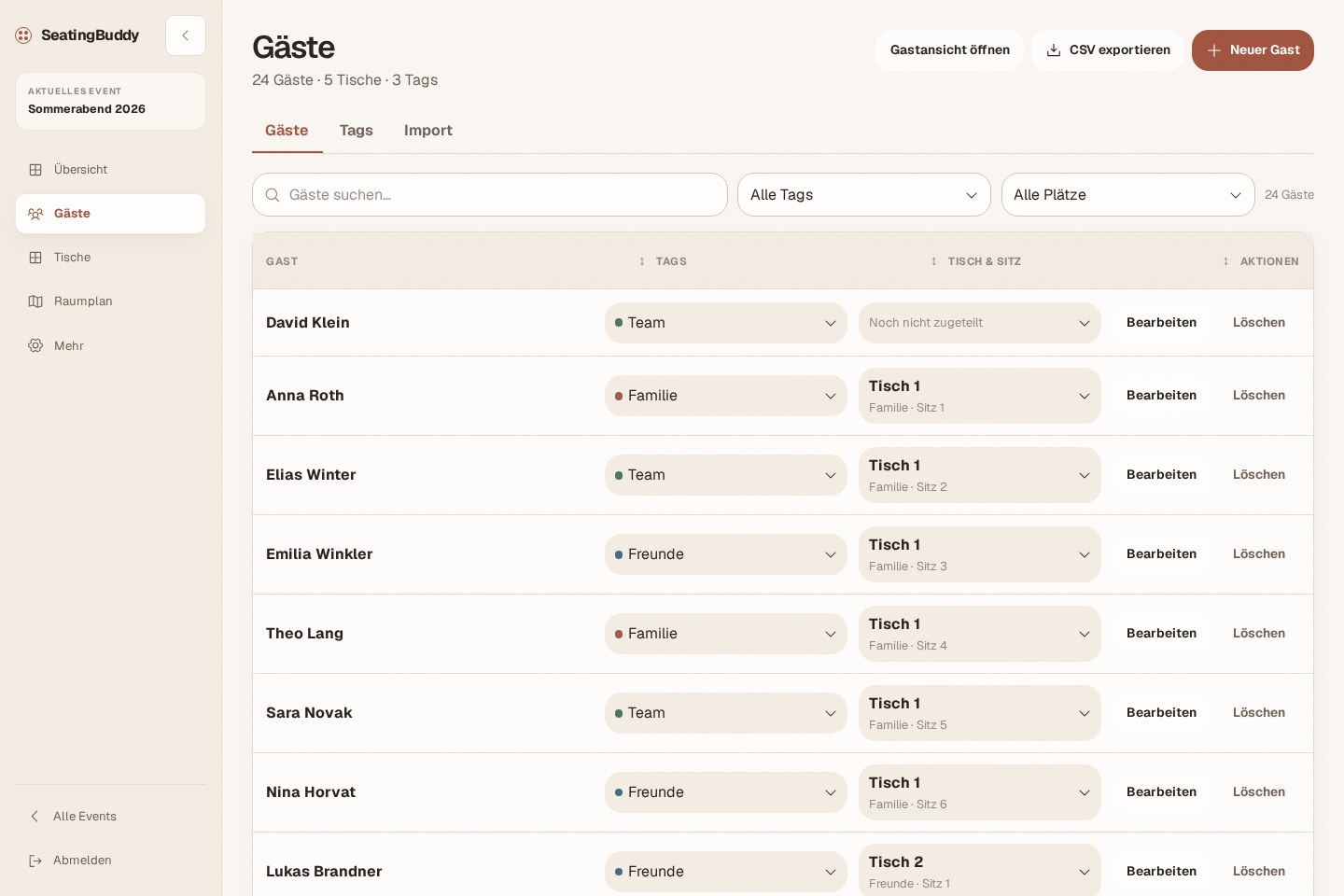
Add names
Type guests in one by one or import the list you already have.
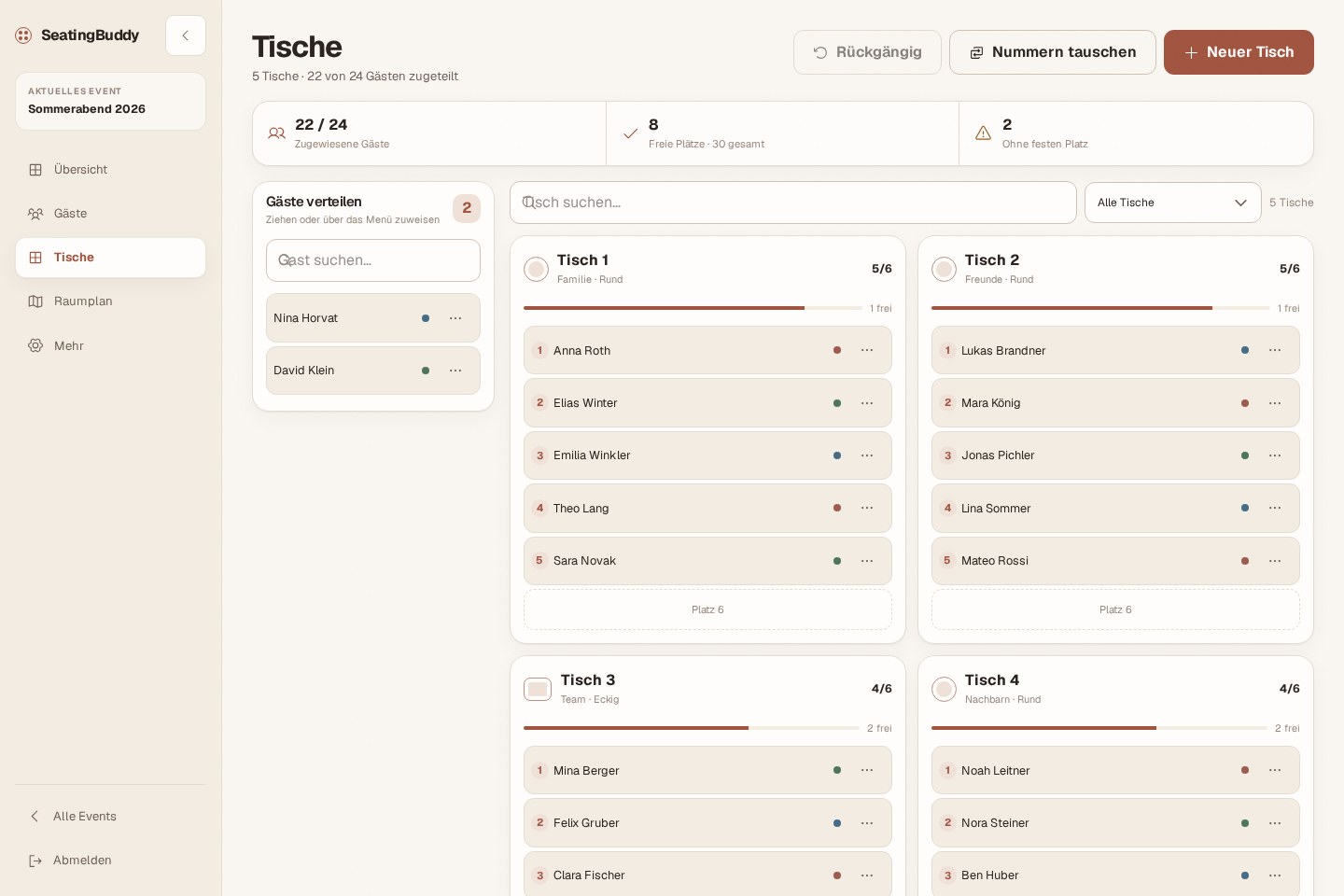
Arrange seats
Create tables, drag guests into place and watch the free seats fill up.
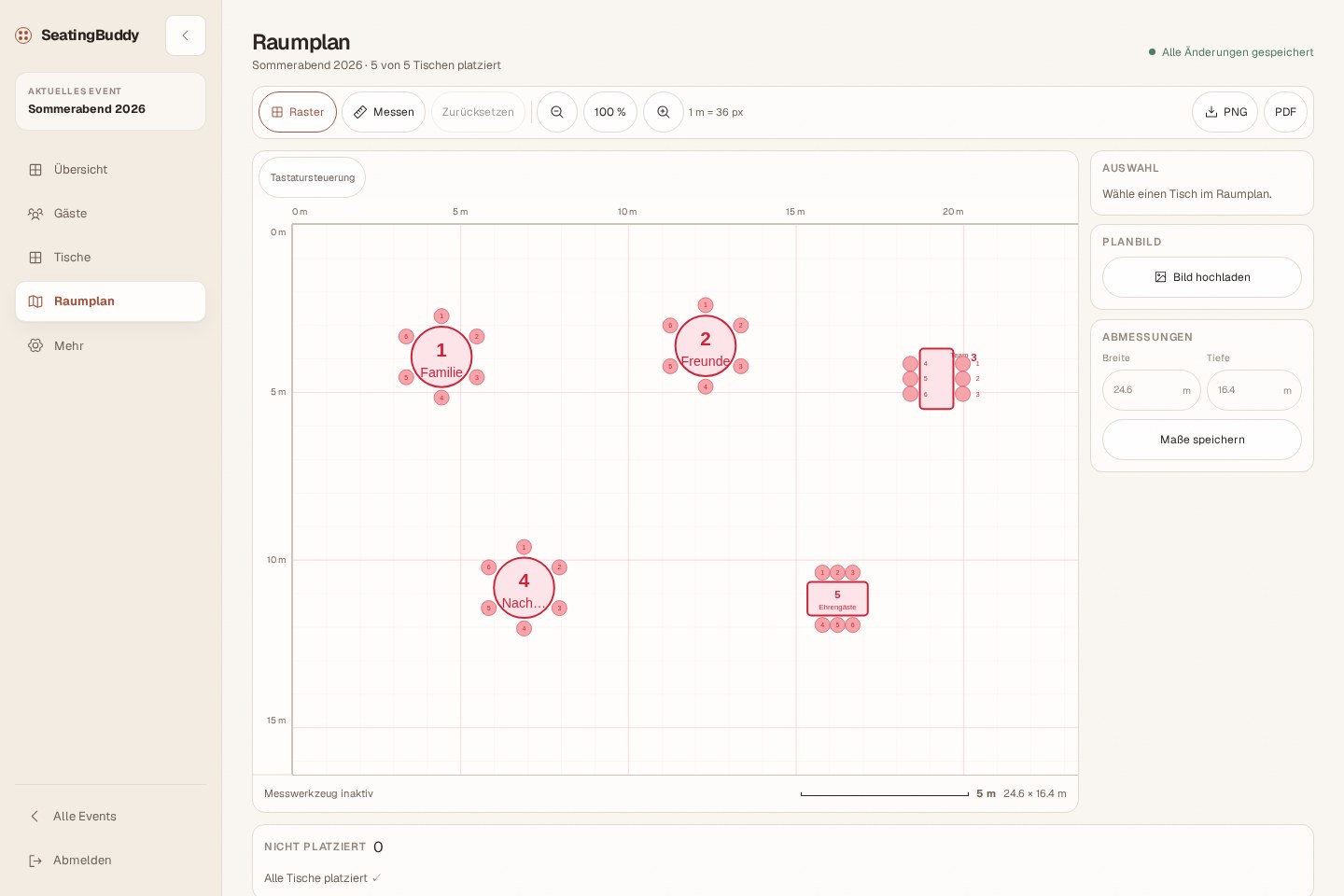
Draw the room
Place every table where it stands at the venue, so the plan matches the room.
Features
Everything the plan needs. Nothing it doesn’t.
Made for the evening before the event, when the list changes one more time.
Drag, drop, undo
Move guests between tables or swap two seats. Every change can be undone.
CSV import
Bring an existing list. Names, groups and notes come along.
Nobody left over
Unseated guests and free seats stay visible while you plan.
Print-ready exports
Export the room plan as PDF, PNG or JPEG for the venue team.
Private by default
The guest view opens only with its secret link. Replace the link whenever you need to.
For guests
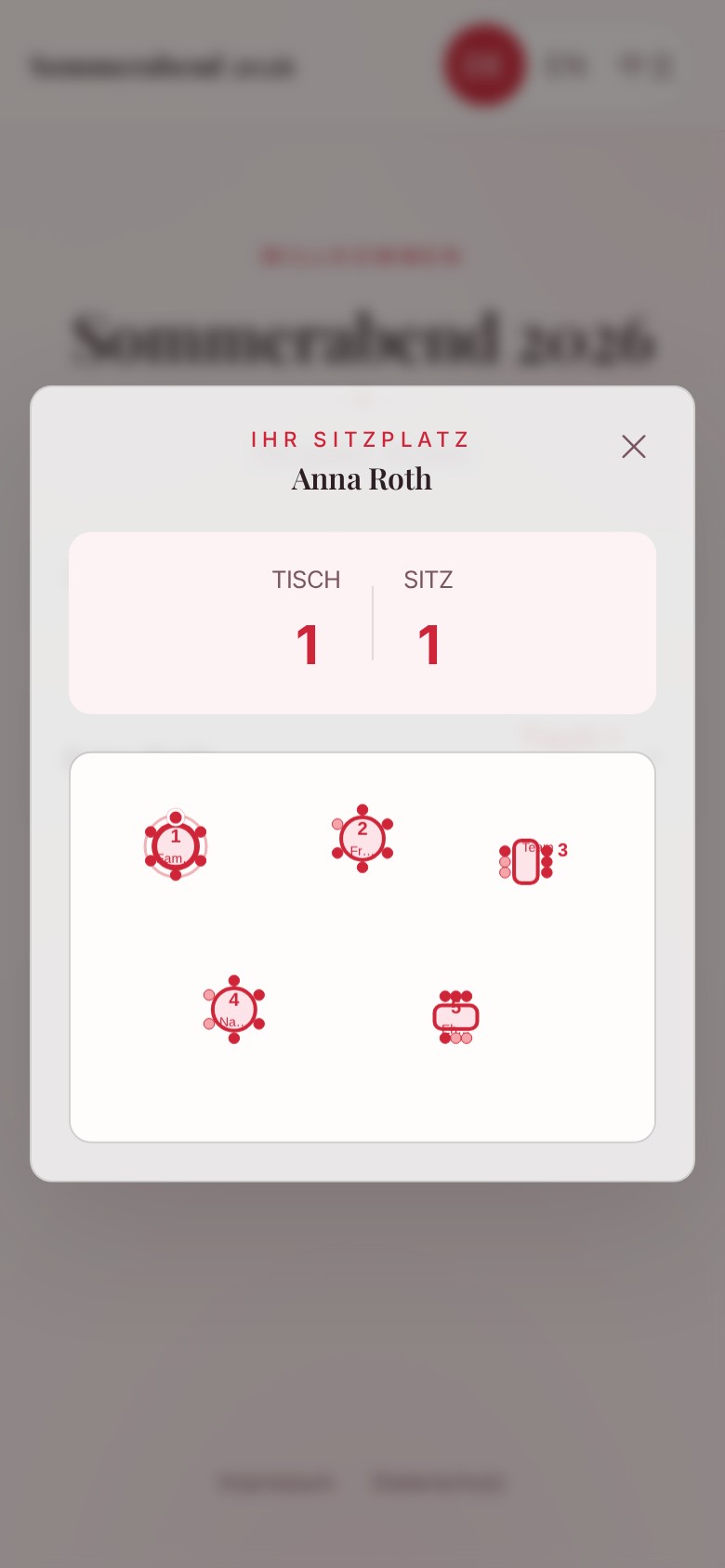
When guests arrive, one link is enough.
They open the private link, search their name, and see their table, seat, and room plan. No account and no app.

Questions
Good to know.
Is SeatingBuddy only for weddings?
No. Use SeatingBuddy for celebrations, corporate events, galas, dinners, and any event with assigned seats.
Can I change the plan after sharing the link?
Yes. Guests always see the current plan, so last-minute changes reach everyone without a new link.
Does it work on phones?
Yes. Guests find their seat in any phone browser, and you can make quick changes on the go.
Start with the first name.
Create your event and bring guests, tables, and the room into one clear plan.
Create a seating plan